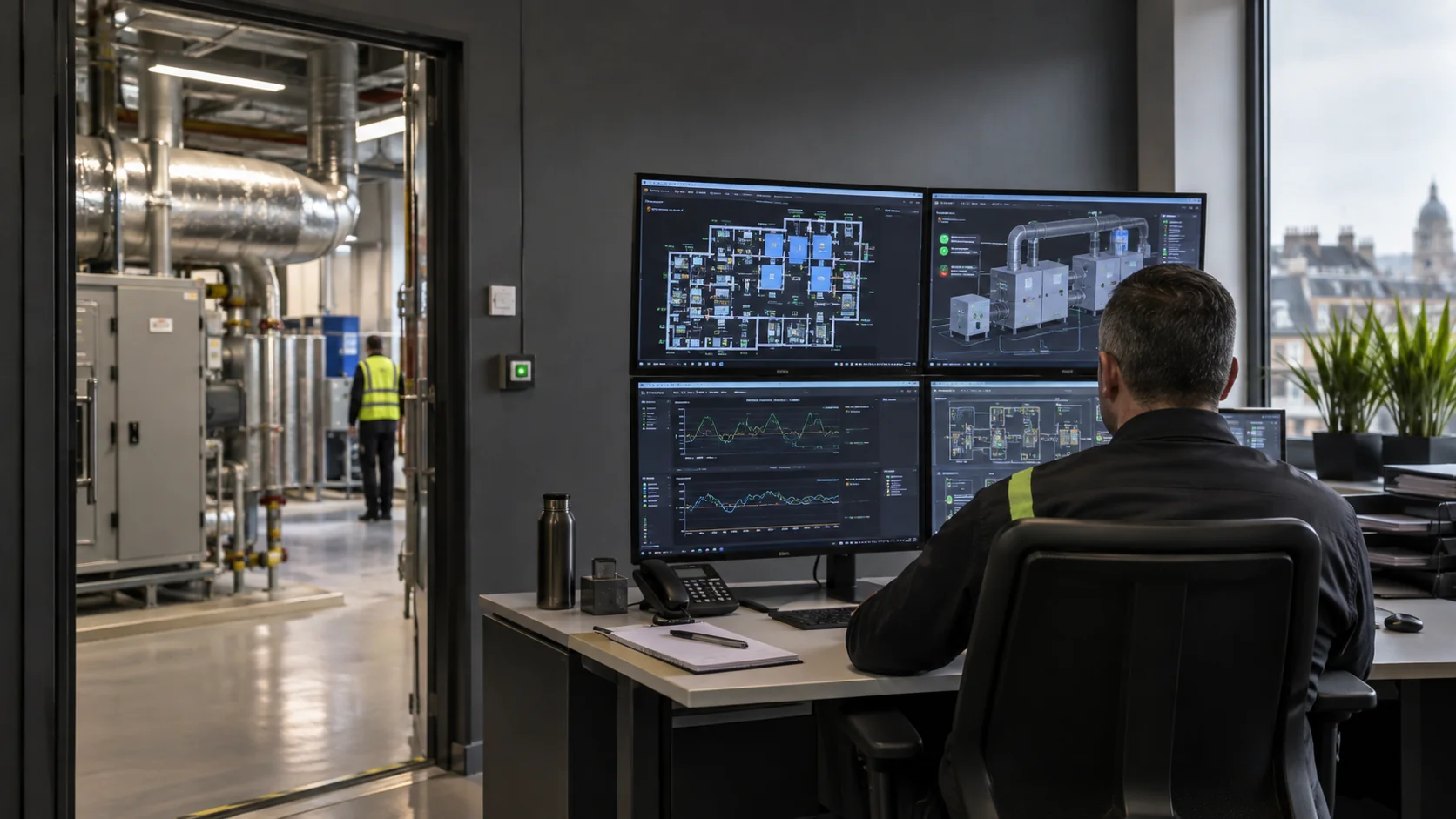
Siemens’ Desigo Control Point operation manual gives examples of scheduling, alarm and trend functions. A trend is a series of readings over time, helping you compare a problem with earlier operation. Find out which functions and equipment your building has configured.
Understand what the screen represents
Telling a fan to start is not the same as receiving confirmation that it has started. Even a running fan does not prove the right airflow reaches a room. Ask what each status actually tells you.
A temperature sensor reports its own location, and a valve command says where the control wants the valve to move. Neither proves that heating or cooling works throughout the building. Check the equipment and rooms as well as the screen.
Establish ownership of settings and alarms
Keep track of who may change settings, what the important values mean and when equipment is scheduled to run. Review these when occupation changes rather than retaining the previous user’s hours.
Agree who receives alarms and how they arrange help or pass unresolved faults to the right person. Clicking to acknowledge a warning does not mean the underlying problem has been repaired.
If remote access is installed, agree who controls it and how it is used. Separately clarify when anyone monitors the system, how they respond and which faults require a visit.
Prepare for maintenance or a controls change
Find the system description, equipment information, drawings, settings and fault history. A controls specialist and the mechanical contractor may need to investigate together when the command and physical response do not agree.
Before changing a setting, record its original value, the reason and authorisation. Check the equipment and affected rooms afterwards and keep the result. Document temporary overrides so they are not forgotten or left masking a fault.
Frequently asked questions
Does a BMS replace mechanical maintenance?
No. Monitoring and control do not replace cleaning, physical inspection or maintenance of filters, fans, valves and other equipment.
Does an alarm always identify the failed component?
An alarm identifies a detected condition under the system’s logic. The cause may lie in a sensor, controls, equipment or connected services and still needs investigation.
What should a new property manager request?
Ask what is connected, how access is authorised, the operating times, who handles alarms and which faults remain. Request an explanation of the controls as well as the login arrangements.
Related guidance and services
See what an air-handling unit does and HVAC balancing for background. Relevant work includes Smart Buildings and Facilities Technology, Air-Handling Units and Building Services Upgrades.
Browse services, maintenance, projects, sectors, locations or the knowledge centre. To discuss the building requirement, explain the property and control problem.